Scenarios
Before lending someone your iPhone: a photo privacy checklist
Review Vely's lock controls, imported originals, recovery phrase storage, and protection limits before handing your iPhone to someone else.
- Photos and videos
- Everyday privacy
- Protection limits
Before handing your iPhone to someone for a call or a quick task, pause to review what is open and which photos you intended to keep private. This checklist follows the current Vely app, which is coming soon to the App Store.
1. Close what you were viewing and lock Vely
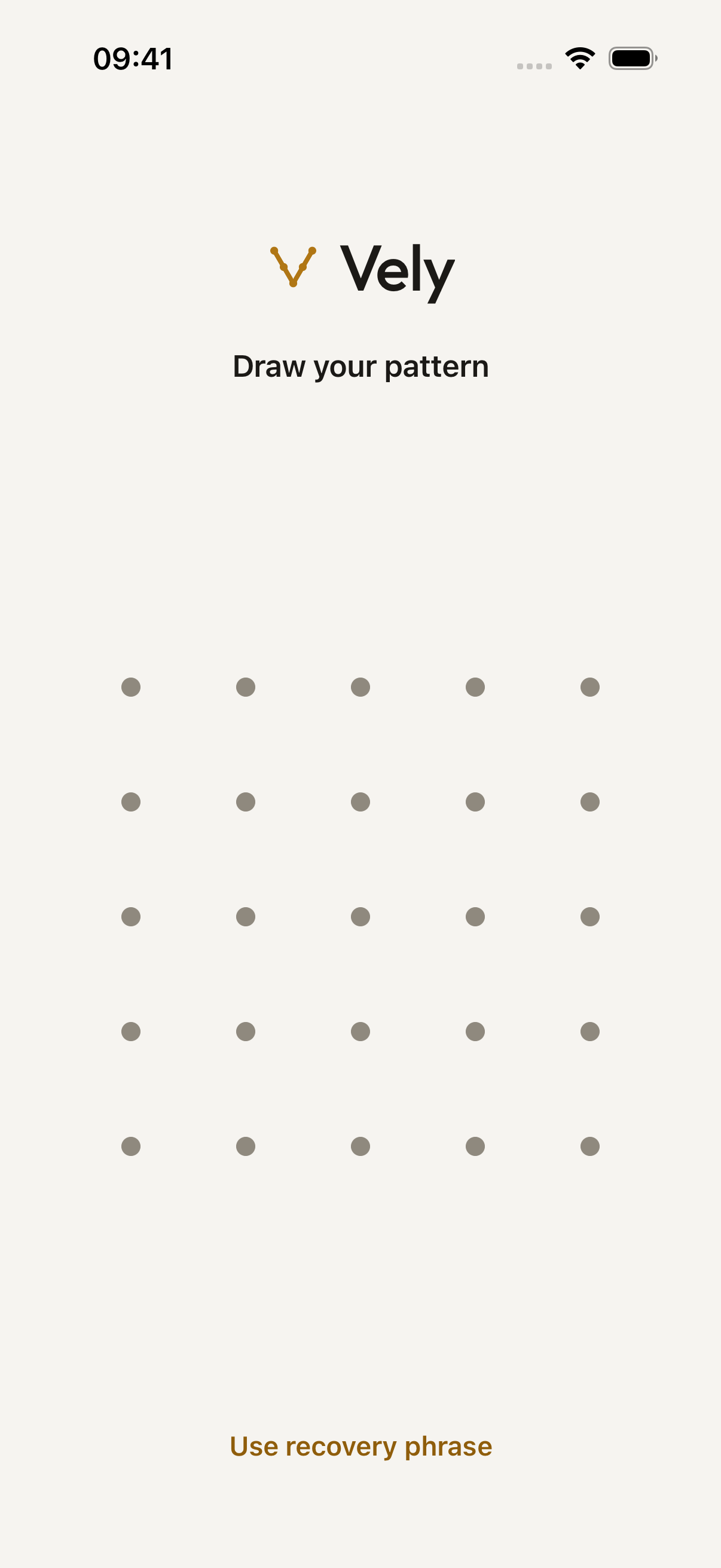
Finish viewing the photo or video, return to Vely's Home screen, and tap Lock. Check that the unlock screen is showing before you hand over the phone.
Vely's approved explanation of app switching is:
Vely locks your vault as soon as you leave the app, hides its contents in the app switcher, and blurs the screen during screen recording or mirroring. A backup that's in progress can keep uploading already-encrypted data for a while.
Keep the corresponding limit in view:
Someone who has your iPhone while your vault is open.
That is one of the situations listed under what this doesn't protect against.
2. Review originals and other copies
If you recently imported photos or videos, check whether you chose Keep Originals or Delete Originals. Review the copies still in Photos and its Recently Deleted folder. The import prompt says:
They're now in your vault. Photos keeps deleted items in Recently Deleted for 30 days.
Also review any copies you previously exported into other apps or Files. Vely's approved limits include:
Files you export or share. Those copies leave the vault and are not encrypted by Vely. While a file is open in a preview or being shared, a temporary unencrypted copy exists on this iPhone. Vely deletes it when you close it, when the vault locks, and the next time the app opens.
Make deletion decisions carefully and keep any copy you still need. For backup preparation, use the backup guide before removing your only other copy.
3. Review your pattern and recovery phrase habits
Do not draw your pattern while someone is watching. If you want to change the trail setting, open Settings in Vely and turn on Hide pattern trail before locking again.
The approved protection limit is:
Someone who knows your pattern or watches you draw it. You can hide the pattern trail in Settings.
Check where you keep the written recovery phrase as well:
Your 12-word recovery phrase opens your vault if you forget your pattern, and you need it to restore your iCloud backup on a new iPhone. We show it once and never store it, so we can't show it to you again. Keep it somewhere safe and offline.
4. Decide whether to hand over the unlocked phone
Read the protection limits before deciding how much access to give someone. The approved list includes:
- Malicious software, a jailbroken iPhone, or someone with full control of your unlocked iPhone.
- Someone who knows or gets past your iPhone's passcode and copies its storage. They could try to guess your pattern on their own computers, without the waits. A longer, less predictable pattern makes this much harder.
- Someone who has both your recovery phrase and access to your Apple Account. They could restore your backup.
- Screenshots or photos of your screen.
If you cannot give someone the access they need comfortably, complete the task yourself and keep the phone with you. Review the full How your data is protected page for the rest of the model, including what could still be seen and the limits of backup and deletion.